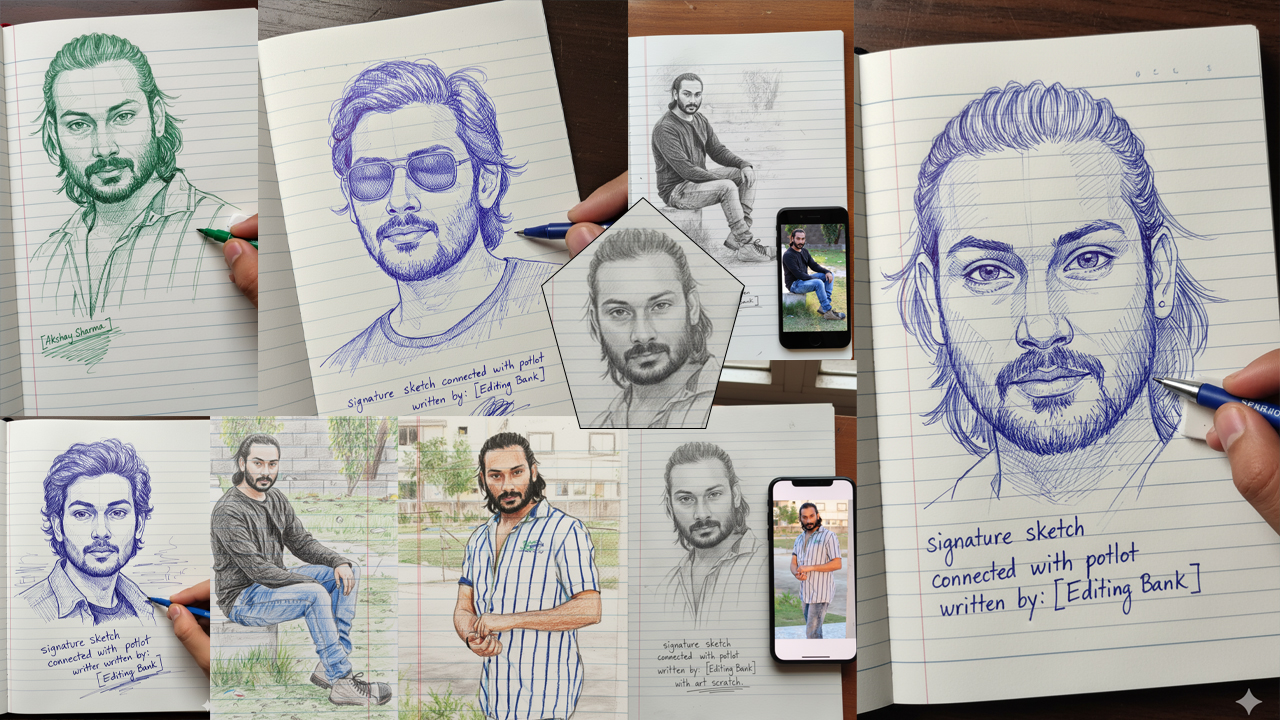
Latest Instagram Viral Drawing Photo Editing Gemini Prompt For 2026
(Note: You can ask Gemini to Change Pose Everytime when you create)->
(Also with same prompts you create photo for single Girls & Boys)
Keep entering same prompt for different results.-> Upload Clear Photo of the couple with white background for more accurate results
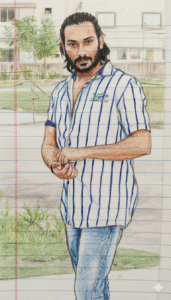
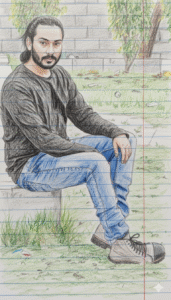
(Note: You can ask Gemini to Change Pose Everytime when you create)
Prompt:-
Convert this exact image into a kids’ school notebook crayon drawing style. Do not change or modify anything from the original image – keep the same person, same pose, same facial features, same clothes, same colors, same background elements, lighting, and framing exactly as in the original photo. Only transform the image into a hand-drawn crayon sketch on ruled notebook paper. Add visible notebook lines, crayon texture, rough pencil outlines, and colored-crayon filling. Make it look like a neat children’s drawing done in a school notebook. Preserve all details exactly, just convert the art style to a crayon kids-drawing style.
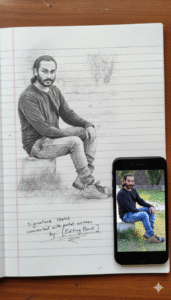
(Note: You can ask Gemini to Change Pose Everytime when you create)
Prompt:-
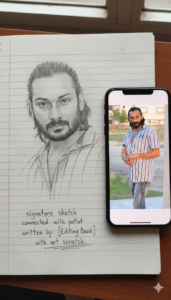
Create an ultra-detailed, hyper-realistic 3D-style graphite pencil sketch of a human face, drawn on textured white notebook paper with visible paper grain and subtle imperfections. The face sketch should look exactly like the reference photo shown on an iPhone placed next to the notebook.
The iPhone’s screen clearly displays the original portrait photo that the artist is drawing, with natural reflections and soft daylight glare on the glass. signature sketch connected with potlot written” by: [Editing Bank] with art scratch.
(Note: You can ask Gemini to Change Pose Everytime when you create)
Prompt:-
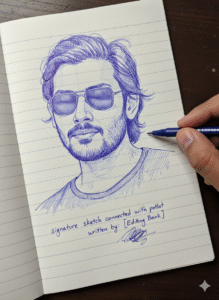
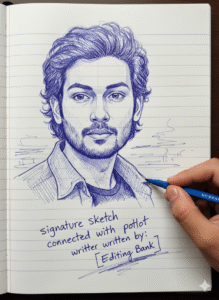
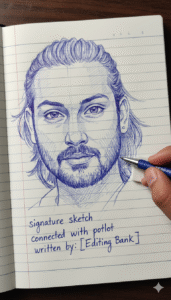
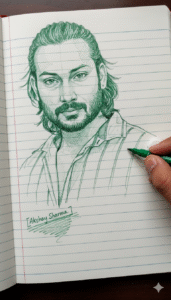
Make a photo style drawing line sketch ink blue and white about a face (details of the face exactly the same as in the uploaded object), intricate details, normal background note book page and right finger holding pen and eraser, signature sketch connected with potlot written” by: [Akshay Sharma] with art scratch.
(Note: You can ask Gemini to Change Pose Everytime when you create)
Prompt:-
Create a photo-style line drawing / ink sketch of a face identical to the uploaded reference image — keep every facial feature, proportion, and expression exactly the same. Use green and white ink tones with intricate, fine line detailing, drawn on a notebook-page style background. Show a right hand holding a pen and an eraser near the sketch, as if the artist is still working.[Akshay Sharma] with art scratch.
How To Edit Drawing Photo Editing Gemini Prompt
Many people think photo modifying is hard. but now on this AI time it is not tough anymore. Google Gemini AI spark off is made in a very smooth way so that anybody can use it. you simply want to write what you need, and the AI will make the image in that method in a few seconds. The procedure is so easy that even if you use it for the primary time you will be surprised to look how exceptional the picture looks. these days we will learn how to use Gemini AI set off to edit your very own image in some simple steps.
- First you need to open the Google app in your cellular, laptop, or computer.
- After commencing the app you’ll see a search button. You need to kind Gemini inside the search. you may see many websites. click on the one you want.
- Whilst you click on, you’ll need to register with your Gmail. In a few seconds the procedure will be whole.
- Then you’ll see a textual content box. There you want to stick the line that we requested you to copy. on the proper facet you will see a plus icon. when you click on on it you may be requested to add the photo which you want to edit.
- After the 2 steps are whole you may see a send button on the proper facet. click on that button. In some seconds your new picture will come at the screen.
- To keep the photo for your mobile click at the photo. on the top you’ll see a button that seems like a shop button. click on that button and in a few seconds, you’ll see your image on your gallery.
This is the entire enhancing method. when you have any hassle, you may tell us.
How To Get Drawing Photo Editing Gemini Prompt
- If you need to get the Drawing picture editing Gemini prompt, it’s far a very simple system. you can get this prompt from our reliable website. we have written the entire process below in an smooth method. you simply need to observe the steps as we are saying. Then you may get the spark off very without problems.
- After you open our website, you’ll see a search button at the top. You want to kind Drawing picture editing Gemini set off in that field.
- You may see many posts. click at the post which you like and await some seconds.
- After ready you will see every other new page open in front of you.
- While the brand new page comes scroll down a little. you may see your favored image and underneath that you will see the textual content we gave you. reproduction that textual content. Then observe the following process as we stated.
(Also with same prompts you create photo for Girls & Boys just remove type boy or girl instead of couple and add yours)