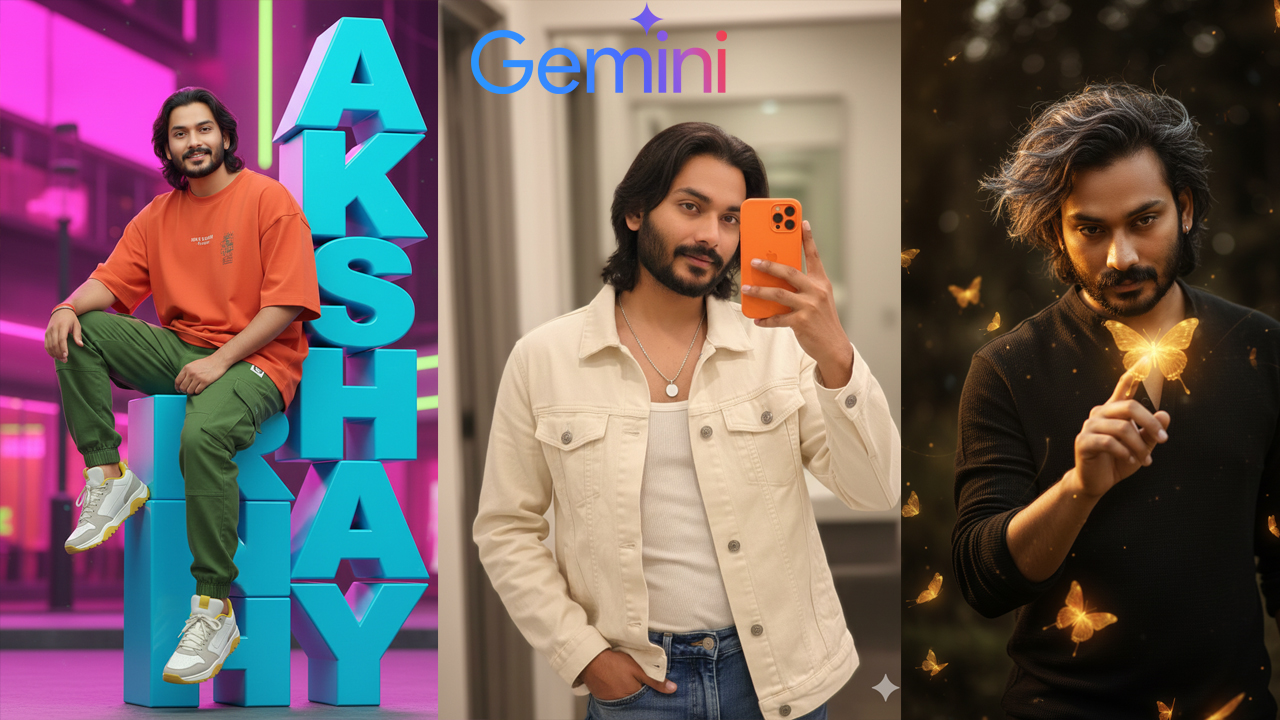
(Note: You can ask Gemini to Change Pose Everytime when you create)->
(Also with same prompts you create photo for single Girls & Boys)
Keep entering same prompt for different results.-> Upload Clear Photo of the couple with white background for more accurate results

(Note: You can ask Gemini to Change Pose Everytime when you create)
Prompt:-
Create ultra-realistic digital art of a person in dynamic full-body pose. The subject wears casual relaxed outfits in bold colors (shirt, pants, shoes) appearing stylish and modern. Add a single text “AKSHAY” displayed vertically, rendered as large 3D block glossy letters in a bold contrasting color. The text should appear only once, without repetition, and be big enough to look like a real object. Make the model interact with the text, for example sitting on, Same face….
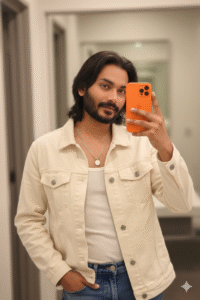
(Note: You can ask Gemini to Change Pose Everytime when you create)
Prompt:-
Use 100% face and body above uploaded photo and Upload my picture making taking a mirror selfie with an orange colour iphone 17 pro max phone. He is wearing a cream/off-white denim jacket over a white ribbed tank top. A silver chain with a white pendant is visible. The lighting is soft and warm. Close-up, high-detail portrait. Don’t change face.100% parsent sahi ho.

(Note: You can ask Gemini to Change Pose Everytime when you create)
Prompt:-
8K ultra-photorealistic, cinematic editorial portrait, 9:16 close-up half-body shot of a 32-year-old man in a dark natural background. He has voluminous windswept hair highlighted with metallic gray, glowing softly under the light. His face is charismatic and illuminated by a golden aura. He gently touches a luminous golden butterfly with one finger while many other glowing golden and orange butterflies of various sizes float and fly around him, creating a dreamy, magical atmosphere.
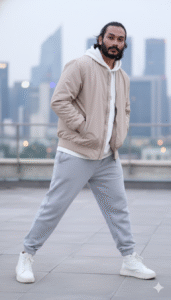
(Note: You can ask Gemini to Change Pose Everytime when you create)
Prompt:-
“A full-body photograph of me standing outside on a rooftop patio against the backdrop of a blurry metropolitan cityscape. I maintain a confident stance by keeping my legs apart and standing slightly sideways in the frame with my body twisted at a small angle. I have both hands idly tucked into my bomber jacket’s side pockets. I am wearing a white sweatshirt with the hood hanging loosely over my back, layered over a light beige bomber jacket with a little sheen that is somewhat big. The front pocket of the hoodie is visible underneath. Additionally, I am dressed in loose-fitting, light grey jogger sweatpants with elastic ankle cuffs. I am wearing spotless white sneakers with hefty soles. I am gazing straight into the camera with my head turned forward and a composed, assured attitude. I appear taller and more dominant in the picture since the camera takes me from a low angle. A 50mm portrait lens improves perspective and produces a natural appearance with a narrow depth of field that gently blurs the backdrop. A serene, urban, streetwear environment is evoked by the soft, diffused lighting. Upload an image with the same face.
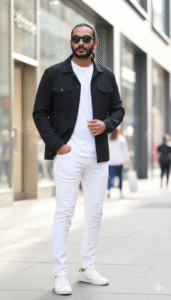
(Note: You can ask Gemini to Change Pose Everytime when you create)
Prompt:-
A STYLISH YOUNG BOY, WEARING SUNGLASSES, AN OPEN BLACK BUTTON-UP JACKET, A WHITE T-SHIRT, AND WHITE PANTS. HE IS STANDING OUTDOORS ON A CITY STREET DURING THE DAY, WITH BLURRED BUILDINGS AND STOREFRONTS IN THE BACKGROUND. HE IS LOOKING CONFIDENTLY AT THE VIEWER WITH ONE HAND IN HIS JACKET POCKET AND THE OTHER ARM BENT WITH HIS HAND NEAR HIS WAIST. THE LIGHTING IS BRIGHT AND NATURAL, CREATING A TRENDY AND CASUAL STREET STYLE LOOK. KEEP FACE 100% SAME AS REFERENCE IMAGE
How to edit photo using Gemini prompt
- Editing a photo with Gemini is really very easy. If you do not have the Gemini App, then install it from the Play Store.
- First you have to upload the photo that you want to edit. On the right side there will be a plus icon, if you press there you will see the option to upload photo.
- Then you have to write a prompt or copy and paste a prompt. You will get the prompt on our website.
- Next to it there will be a send option. If you click there, in a few seconds your photo will be created and come to you.
- Do not forget to tell us in comment how you liked the photo. To save the photo in gallery, you have to click on the photo. On the top there will be a button, if you click there your photo will be saved in the gallery.
- If you edit like this, the photo will look fully professional. The best part is Gemini is made in such a way, that even people without much experience can use it.