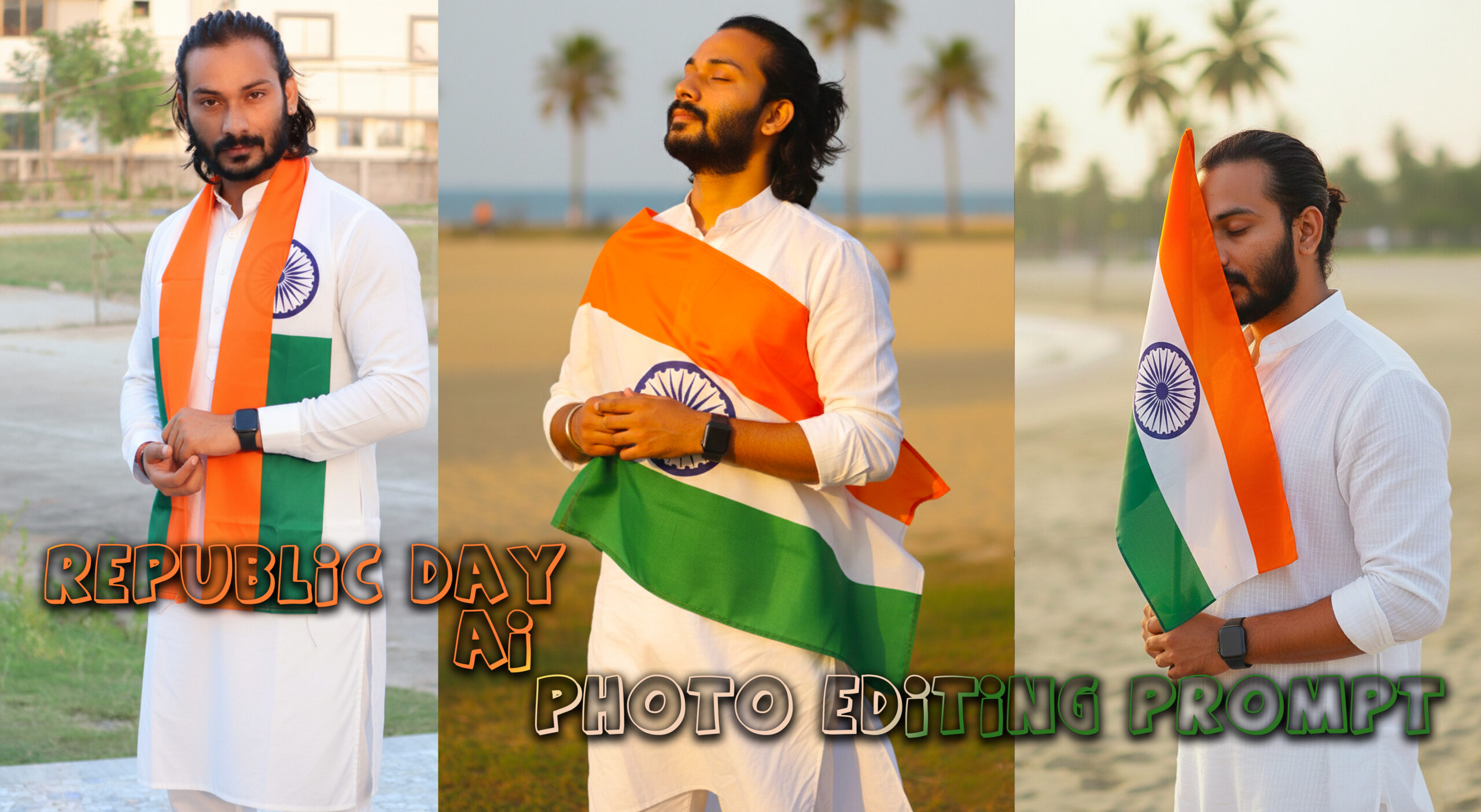
With the rise of AI-powered photo editing tools, Republic Day AI photo editing prompts have become extremely popular every January. From Instagram reels and WhatsApp DP edits to school posters and patriotic banners, people are now using AI prompts to transform ordinary photos into stunning Republic Day–themed visuals.
What Is a Republic Day AI Photo Editing Prompt?
A Republic Day AI photo editing prompt is a detailed text instruction given to an AI tool to edit or generate photos with patriotic elements like the Indian tricolor, Ashoka Chakra, monuments, soldiers, and Republic Day themes.
Why Republic Day AI Photo Editing Is Trending
AI photo editing has exploded in popularity because it allows anyone to create professional-looking patriotic images without advanced design skills.
Republic Day Photo 1
(Note: You can ask Gemini to Change Pose Everytime when you create)
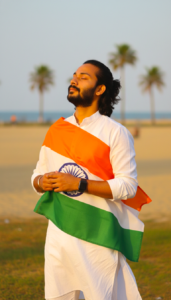
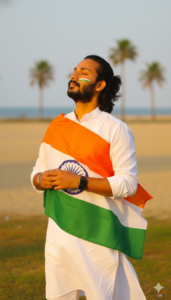
A soulful photograph of a young man embracing the Indian flag. He is wearing a traditional white tunic, eyes closed in a serene expression of pride. The orange, white, and green of the flag are vibrant and catch the light. The atmosphere is calm and patriotic. Shot with a shallow depth of field (bokeh background), 85mm lens style, warm sun-kissed tones. use my uploaded image for the reference
Republic Day Photo 2
(Note: You can ask Gemini to Change Pose Everytime when you create)
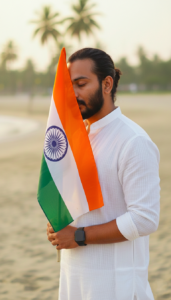
A cinematic, high-resolution portrait of a young Indian man with a groomed beard and stylish hair, wearing a crisp white cotton kurta. He is holding the Indian National Flag (Tiranga) close to his face with his eyes closed in a moment of deep respect and peace. Soft, natural outdoor lighting during the golden hour. The background is a soft-focus coastal or beach setting. Highly detailed skin textures, fabric folds, and a modern smartwatch on his wrist. use my uploaded image for the reference
Republic Day Photo 3
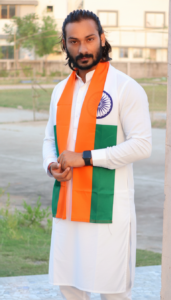
(Note: You can ask Gemini to Change Pose Everytime when you create)
A trendy Instagram-style portrait of a handsome South Asian man posing with the Indian flag. Clean white outfit, modern grooming, wearing a black smartwatch. The flag is draped softly in front of him. Bright, airy aesthetic with a blurred outdoor background. High contrast and saturated colors. Use my uploaded image for the reference.
How to edit a photo using the Gemini prompt
- Editing a photo with Gemini is really very easy. If you do not have the Gemini App, then install it from the Play Store.
- First, you have to upload the photo that you want to edit. On the right side, there will be a plus icon; if you press it, you will see the option to upload a photo.
- Then you have to write a prompt or copy and paste a prompt. You will get the prompt on our website.
- Next to it, there will be a send option. If you click there, in a few seconds your photo will be created and come to you.
- Do not forget to tell us in comment how you liked the photo. To save the photo in the gallery, you have to click on the photo. On the top, there will be a button; if you click ther,e your photo will be saved in the gallery.
- If you edit like this, the photo will look fully professional. The best part is that Gemini is made in such a way, that even people without much experience can use it.