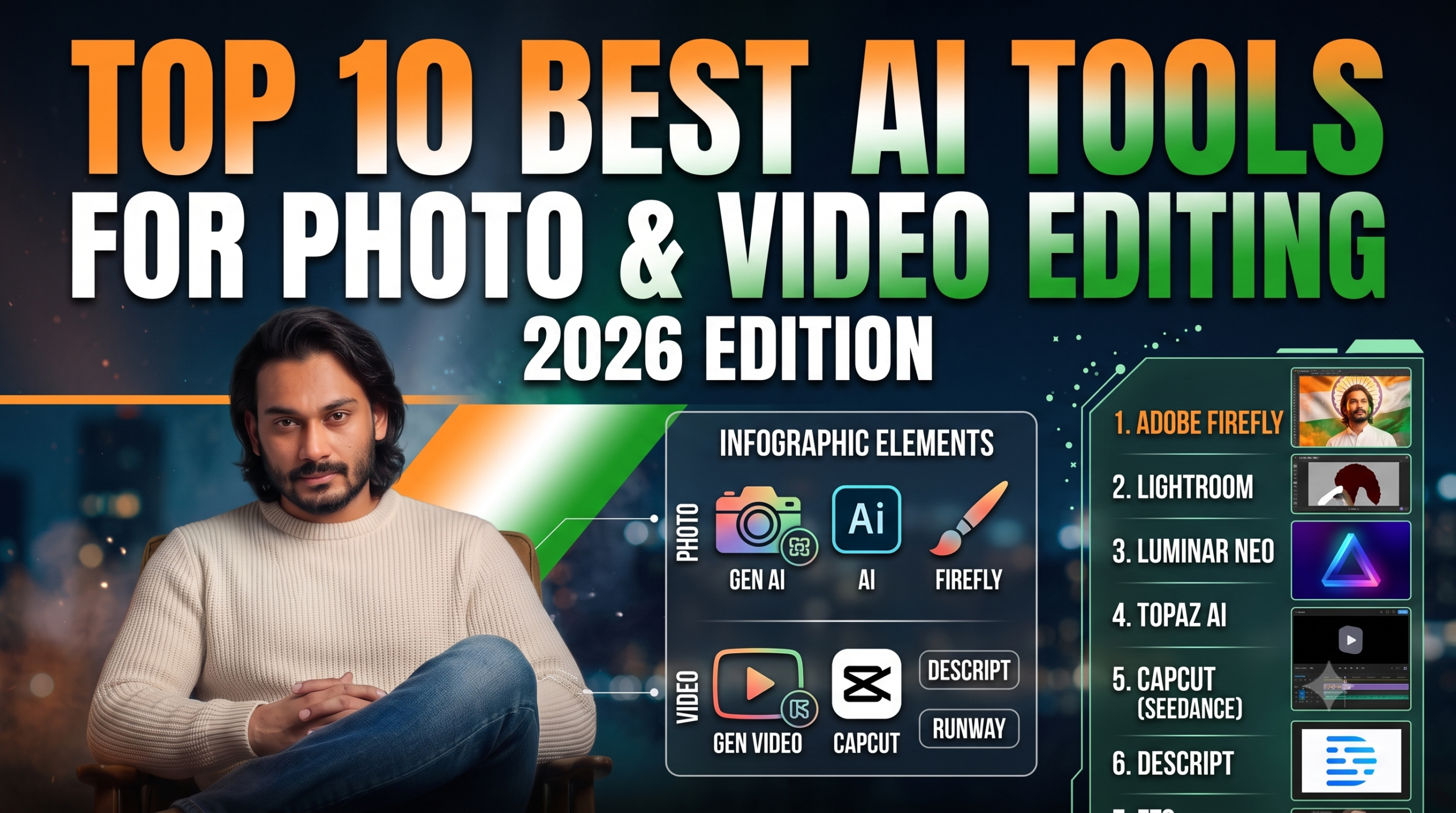
Artificial intelligence has completely transformed the creative pipeline, turning hours of tedious masking, rotoscoping, and color correction into one-click workflows. Whether you are a photographer aiming for flawless portraits or a content creator scaling short-form video, these are the 10 best AI-powered tools dominating the creative industry in 2026.
📸 Top 5 AI Photo Editing Tools
1. Adobe Photoshop (with Firefly AI)

The undisputed industry benchmark continues to lead by blending advanced pixel manipulation with generative AI.
-
Best For: Comprehensive professional design and complex compositing.
-
Key AI Features: Generative Fill, Generative Expand, and state-of-the-art AI Object Removal.
-
Why Choose It: It handles creative, prompt-based edits while maintaining complete layer-based control for professional workflows.
2. Adobe Lightroom Classic

Designed for photographers managing bulk libraries rather than single canvas edits.
-
Best For: High-volume RAW workflow, organization, and precise color grading.
-
Key AI Features: AI Denoise (local GPU-accelerated machine learning), intelligent auto-masking, and lens blur simulation.
-
Why Choose It: It allows instantaneous batch editing and subject identification across thousands of photos.
3. Skylum Luminar Neo
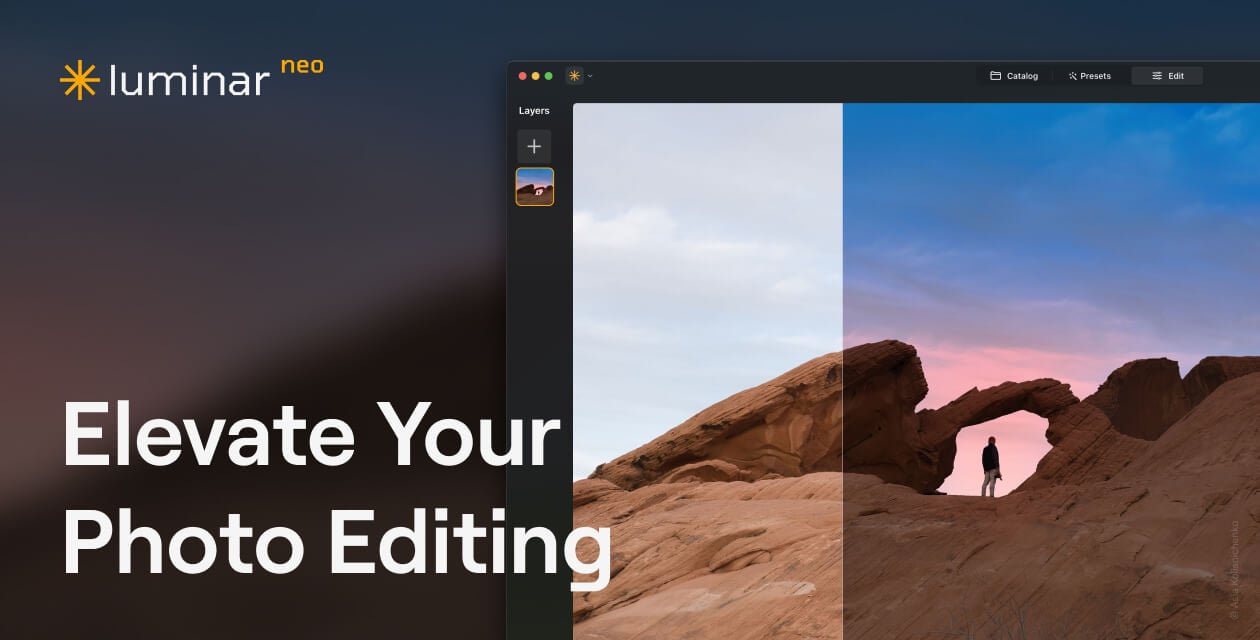
A powerhouse desktop software built from the ground up on neural networks, ideal for creators wanting premium results without steep learning curves.
-
Best For: Rapid creative enhancements and outdoor photography.
-
Key AI Features: Sky AI, Relight AI, and specialized Face/Skin AI.
-
Why Choose It: It offers powerful localized lighting and atmosphere alterations via simple sliders.
4. Topaz Photo AI

A highly focused utility application built purely to maximize hardware limits and rescue low-quality shots.
-
Best For: Image upscaling, sharpening, and severe noise reduction.
-
Key AI Features: Gigapixel upscaling, motion blur recovery, and intelligent “Autopilot” analysis.
-
Why Choose It: It repairs unusable, pixelated, or shaky archival assets flawlessly.
5. Imagen AI
An intelligent cloud-based agent engineered specifically to eliminate the bottleneck of post-production culling.
-
Best For: Wedding, event, and high-volume commercial photographers.
-
Key AI Features: Adaptive Personal AI Profiles, automated culling, and style-learning algorithms.
-
Why Choose It: It analyzes your past edits to create a custom profile, automating color correction in your personal style in minutes.
🎥 Top 5 AI Video Editing Tools
6. CapCut (Seedance & Seedream Ecosystem)
Backed by ByteDance’s heavy-duty infrastructure, CapCut bridges the gap between casual editing and full-scale AI generation.
-
Best For: Social media creators, short-form editors, and quick multi-platform assets.
-
Key AI Features: Seedance text-to-video generation, auto-captions, and script-to-video capabilities.
-
Why Choose It: An excellent manual-first timeline coupled with massive built-in templates and seamless AI asset generation inside one platform.
7. Reap Video
The premier workspace for multi-platform short-form content scaling.
-
Best For: Automating vertical video repurposing from long-form content.
-
Key AI Features: Auto Reframe, smart clip curation, AI dubbing, and advanced custom styling.
-
Why Choose It: Rather than using restrictive presets, it gives creators ultimate precision over layout, pacing, and multi-clip exports.
8. Descript

A highly unique tool that handles video production by shifting the workspace into a text document.
-
Best For: Podcasts, talking-head explainer clips, and interviews.
-
Key AI Features: Script-based text editing, instant multilingual transcription, and “Overdub” voice cloning.
-
Why Choose It: Deleting a word or sentence from your generated text transcript automatically cuts the matching frame out of your video timeline.
9. Runway (Gen-2 / Gen-3)

The absolute gold standard for cinematic and Hollywood-adjacent generative film production.
-
Best For: Avant-garde visual effects, concept video generation, and stylized video-to-video rendering.
-
Key AI Features: Text-to-video generation, frame interpolation, and advanced generative canvas masking.
-
Why Choose It: Unmatched creative fidelity for filmmakers looking to create surreal assets or establish visual pre-visualization layers.
10. Wondershare Filmora

A balanced blend of a classic timeline editor augmented by contextual AI helper systems.
-
Best For: Beginners and intermediate editors looking for professional results without complexity.
-
Key AI Features: AI Copilot Editor, smart cutouts, auto audio-ducking, and automated scene detection.
-
Why Choose It: The AI Copilot directly analyzes your current footage timeline and suggests optimal cuts, transitions, or effects on the fly.
The Best Thing About AI Photo Editing: Absolute Creative Freedom, Precision, and Time-Saving
The single best thing about AI photo editing is its ability to eliminate the tedious, repetitive bottlenecks of manual editing while unlocking infinite creative freedom.
In the past, complex tasks like flawless object removal, intricate hair masking, and perfect skin retouching took hours of zooming in and painting pixels frame-by-frame. Today, features like Generative Fill, AI Auto-Masking, and one-click background replacements handle the heavy lifting in seconds.
Instead of getting exhausted by the technical grind of clicking and masking, creators can focus entirely on the artistic story—instantly swapping a plain background for a dramatic night sky, correcting lighting across an image flawlessly, or turning a casual portrait into a cinematic masterpiece.
The True Usefulness of AI Video Editing: Hyper-Scale, Efficiency, and Smarter Workflows
AI hasn’t just improved video editing; it has completely revolutionized the speed and scale at which video content is produced. Here is why it is incredibly useful:
-
Effortless Short-Form Scaling: AI can instantly analyze a 1-hour podcast or long-form landscape video, extract the most viral hooks, automatically reframe the video into a 9:16 vertical format, and generate highly engaging, animated tricolor or neon captions in seconds.
-
The Power of Text-Based Editing: Tools like Descript allow you to edit video simply by editing the text transcript. Deleting a spoken “um,” “ah,” or an entire filler sentence from the document automatically cuts the exact matching frames from the timeline, reducing hours of rough-cut editing to a few keystrokes.
-
Instant Automated Heavy Lifting: Complex video processes like rotoscoping (separating a moving subject from a background) used to take hours. AI handles complex object tracking, audio noise cancellation, sound-ducking, and cinematic color matching across different cameras with a single click.
-
Accessible Visual Effects (VFX): Features like generative video-to-video extensions or smart b-roll generation allow solo content creators to build high-production-value layers, Hollywood-adjacent aesthetic lookups, and cinematic transitions that previously required a massive studio budget.