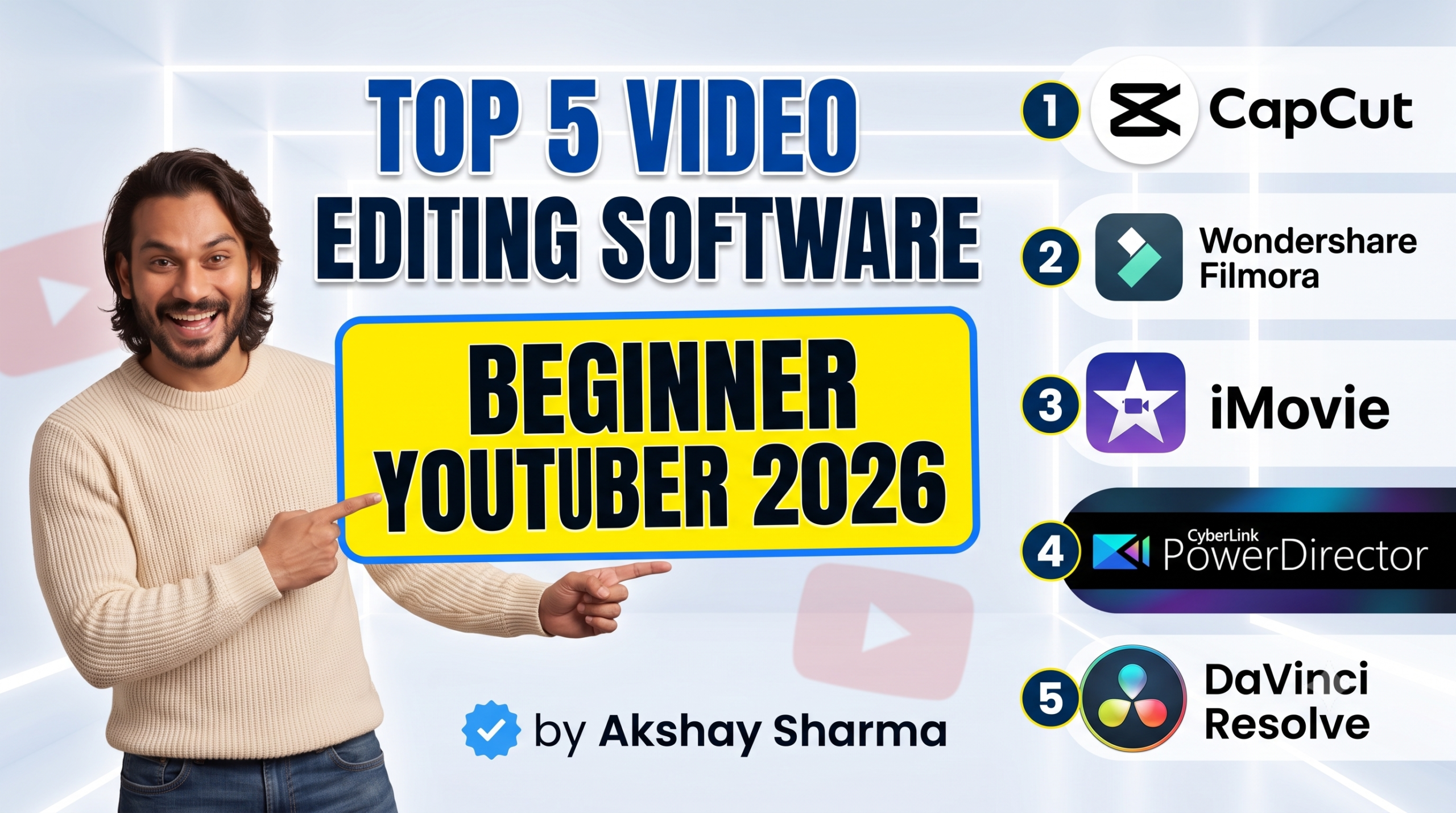
Starting a YouTube channel is an exciting venture, but stepping into the world of post-production can feel incredibly overwhelming. With so many advanced tools on the market, finding the right balance between powerful features and an easy learning curve is essential for absolute beginners.
To help you get started without the technical headache, here are the top 5 video editing software options perfectly suited for beginner YouTubers.
1. CapCut

Best Overall for Fast, Trend-Driven Editing
Originally known as a mobile companion app for short-form content, CapCut has grown into a highly capable, cross-platform desktop editor available for both Windows and Mac. It is widely considered one of the easiest tools to pick up for creators looking to make snappy, engaging content.
-
Why it’s great for beginners: It removes the complexity of traditional multi-track timelines and replaces it with intuitive, drag-and-drop mechanics.
-
Key Features: Features a massive built-in library of trending effects, filters, transitions, and audio options.
-
Standout AI Tools: Incredible automated features like auto-captions (perfect for keeping viewers engaged), automated background removal, and smart text-based editing.
-
Pricing: Free, with an optional Pro subscription ($7.99/month) for advanced assets.
2. Wondershare Filmora

Best All-Rounder Desktop Editor
If you are looking for a classic desktop video editing layout without a massive learning curve, Wondershare Filmora is the friendliest transition into traditional editing. It gives you structured control over your timeline while keeping everything visually clear and accessible.
-
Why it’s great for beginners: The interface is clean and incredibly intuitive, allowing you to learn the fundamentals of cutting, trimming, and overlaying audio in minutes.
-
Key Features: Hundreds of pre-built intro templates, lower-thirds, text animations, and cinematic transitions.
-
Standout AI Tools: Features smart AI text-to-video generation, auto-reframe (for quickly turning landscape videos into shorts), and an integrated AI thumbnail creator.
-
Pricing: Free trial available; perpetual lifetime license or subscription options are highly affordable compared to professional suites.
3. iMovie (Mac / iOS) or Microsoft Clipchamp (Windows)


Best Pre-Installed & Frictionless Solutions
Sometimes the best software is the one you already own. Depending on your operating system, these built-in options provide absolute zero-friction entry points for entry-level editing.
-
For Apple Users (iMovie): Completely free and pre-installed on macOS and iOS devices. It utilizes a smooth, magnetic timeline that ensures your clips lock together perfectly without accidental blank spaces. It also includes “Magic Movie” and storyboarding tools that can automatically stitch your footage together into a coherent narrative with transitions and music.
-
For Windows Users (Microsoft Clipchamp): Built right into Windows 11, Clipchamp is a highly intuitive, browser-accessible editor. It provides basic timeline splitting, a great stock asset library, automated subtitle generators, and instant export templates formatted perfectly for YouTube uploads.
-
Pricing: 100% Free.
4. CyberLink PowerDirector 365

Best for Automated Guidance and Content Scaling
PowerDirector balances beginner accessibility with deep creative control. It is widely celebrated as an excellent tool for video enthusiasts who want their home or studio-style vlogs to look incredibly polished without having to spend hours learning manual color grading or mask tracking.
-
Why it’s great for beginners: It provides structured “guided edits” and express project templates that show you exactly how to frame and sequence a polished video.
-
Key Features: Outstanding rendering speeds (meaning you won’t wait hours for your video to compile), screen-recording tools for tutorial channels, and multicam editing.
-
Standout AI Tools: Excellent auto-captioning, motion-tracking assistance, and automated video denoising to instantly clean up low-light camera footage or background audio hum.
-
Pricing: Subscription-based starting at around $54/year, offering continuous updates and ongoing access to fresh stock assets.
5. DaVinci Resolve
Best for Ambitious Beginners Seeking Hollywood-Grade Power
If your ultimate goal is to grow into a professional filmmaker, editor, or high-tier YouTube creator, DaVinci Resolve is an unparalleled option. While it admittedly has a much steeper learning curve than the other software on this list, its free tier is completely unrestricted by watermarks and rivals the most expensive professional platforms in the industry.
-
Why it’s great for beginners: It has a dedicated “Cut Page” designed specifically for fast, straightforward edits, allowing you to bypass the highly technical pages until you feel ready to learn them.
-
Key Features: The absolute industry standard for professional color correction, precision trimming, and built-in professional audio post-production (Fairlight).
-
Standout AI Tools: Magic Masking for tracking objects, smart reframing, and incredibly clean voice isolation tools to make low-cost microphones sound studio-grade.
-
Pricing: The core version is entirely free with no watermarks. Upgrading to the Studio version is a one-time fee ($295), meaning no monthly subscriptions.
Quick Tips for Choosing Your Software:
-
Match your content type: If you plan on focusing primarily on YouTube Shorts or quick, fast-paced edits, start with CapCut.
-
Consider your hardware: If you are editing on a standard, mid-range laptop, light tools like Filmora or built-in options like iMovie will run smoothly without lagging your system.
-
Think long term: If you want to develop video editing as a valuable professional skill, take the time to learn the ropes inside DaVinci Resolve.